Capture the evidence
Grab the visible page, the full page, or an exact region — while the bug is still in front of you.
A Chrome and Firefox extension for developers who ship with agents
Spot a bug, capture it once, and BugSnitch files the GitHub issue for you — annotated screenshot, console errors, environment, and what you expected. Everything your agent needs to start fixing instead of asking questions.
Free to start · 30 issues every month · no card required




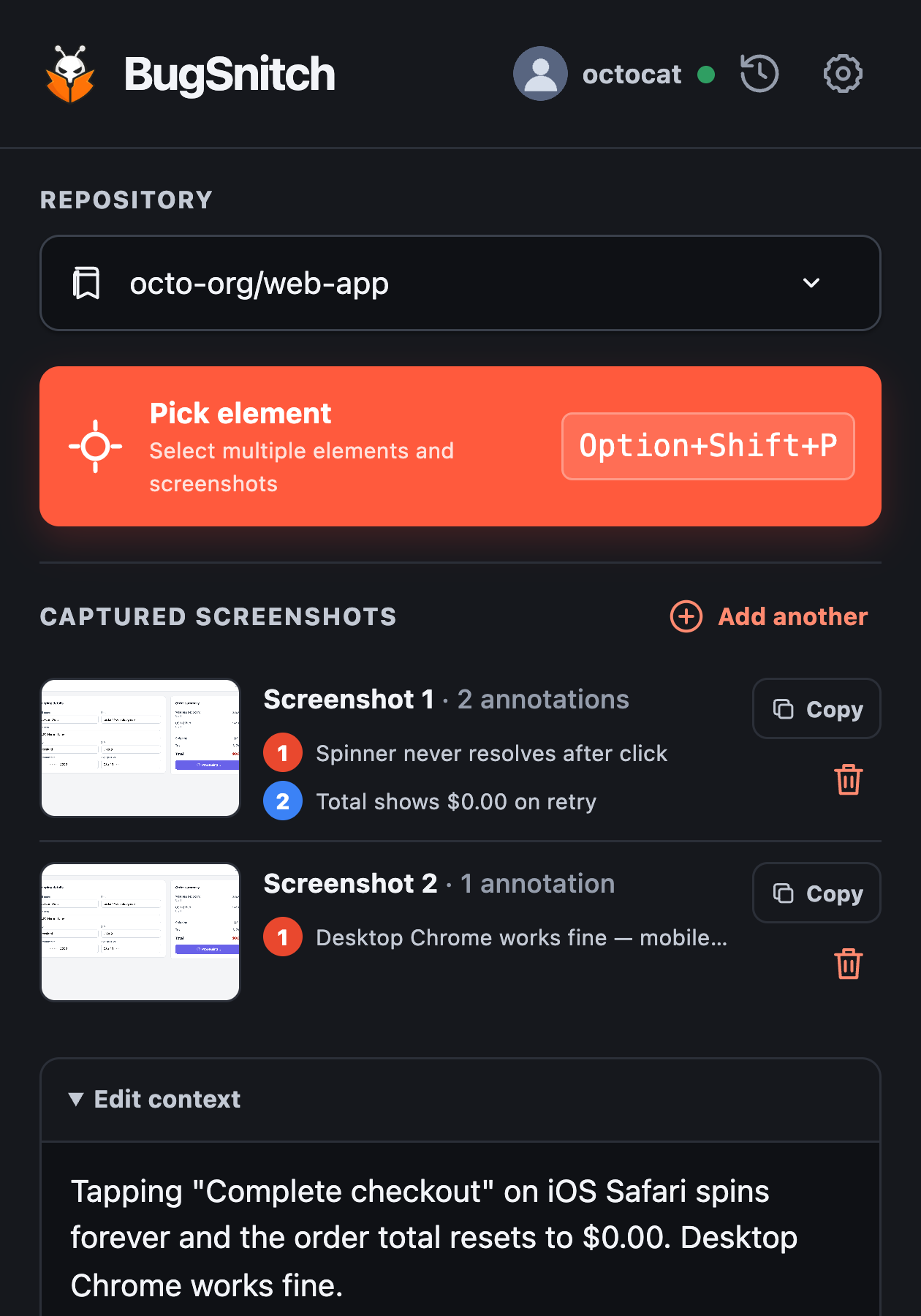
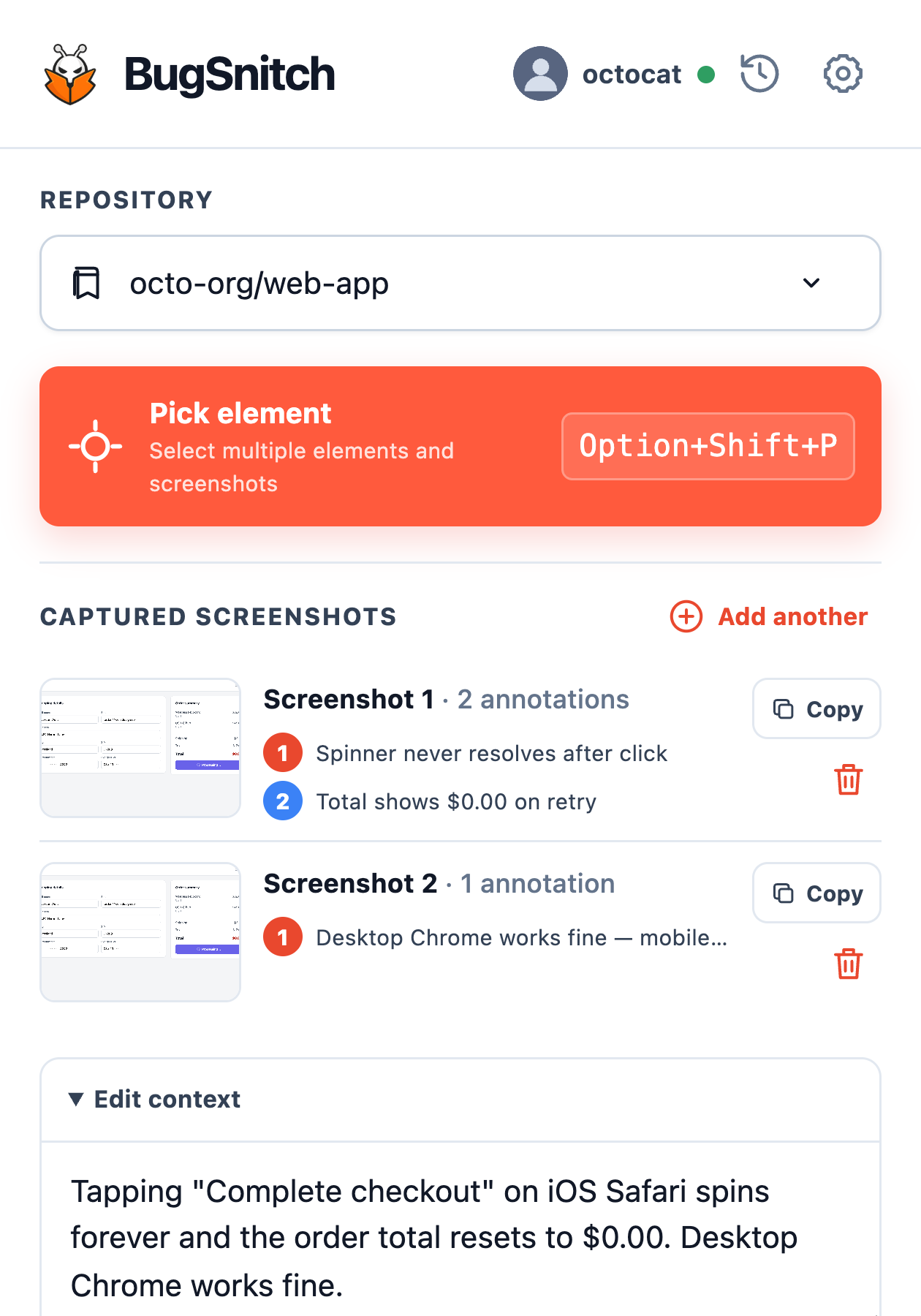
Pinned in your browser toolbar. Opens right where you're already working.
From “that looks wrong” to ready to fix
One capture replaces the screenshot-in-Slack, the devtools digging, and the three rounds of “can you also send…”
Grab the visible page, the full page, or an exact region — while the bug is still in front of you.
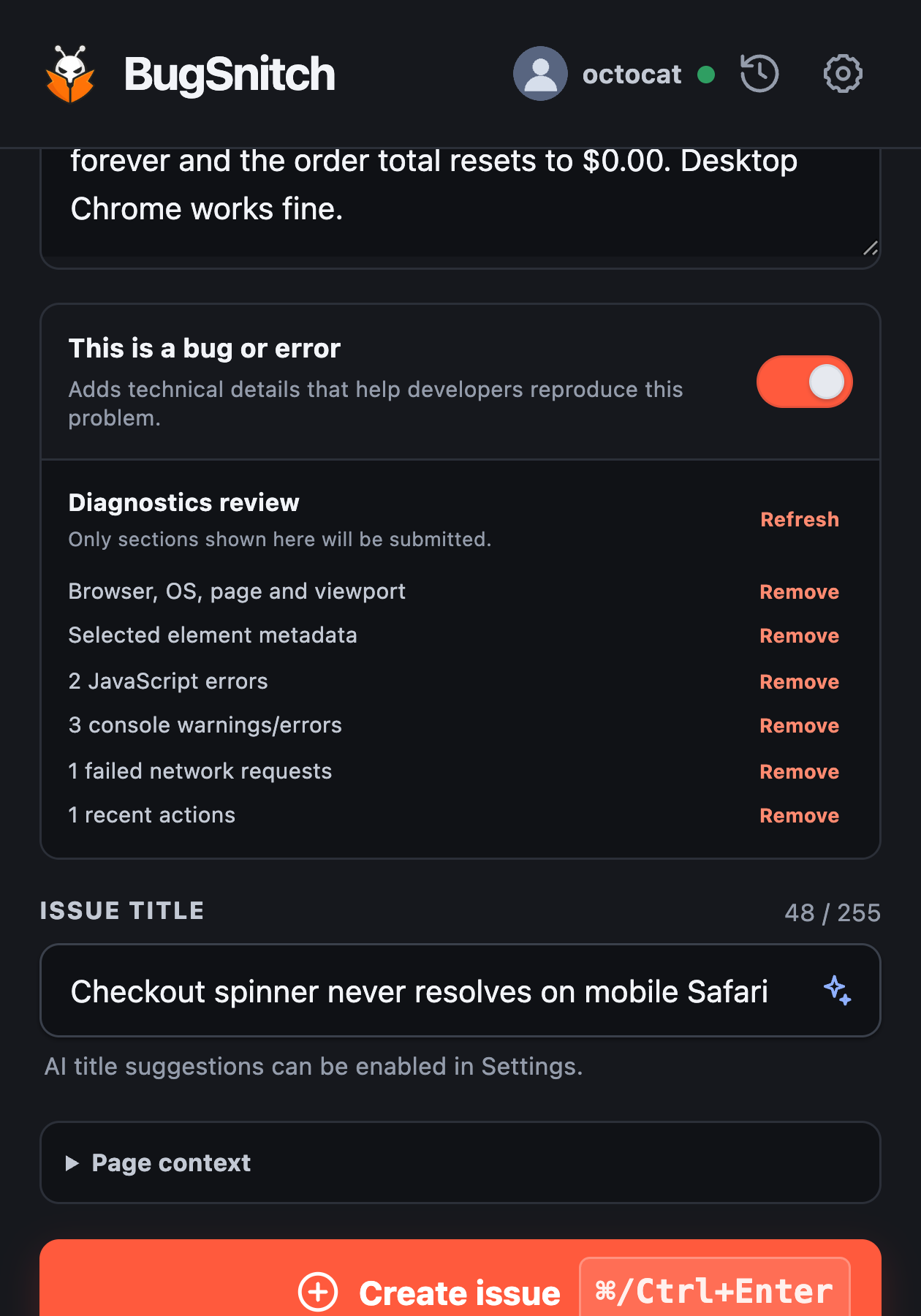
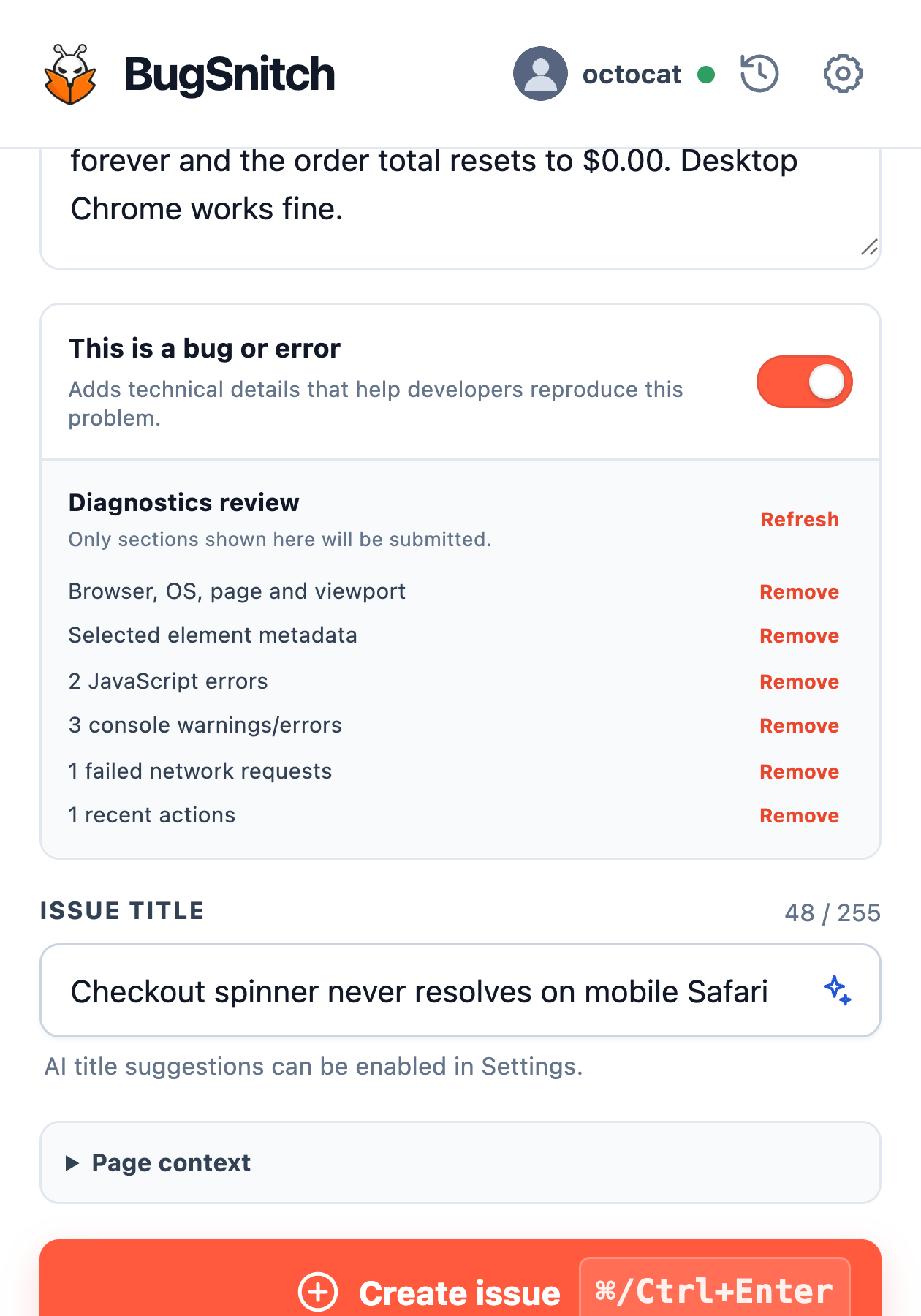
Circle what broke and say what you expected. Console errors, failed requests, and environment attach in one click — or stay off.
Create the GitHub issue or copy an agent-ready prompt. Claude Code, Cursor, or Codex picks it up with full context.
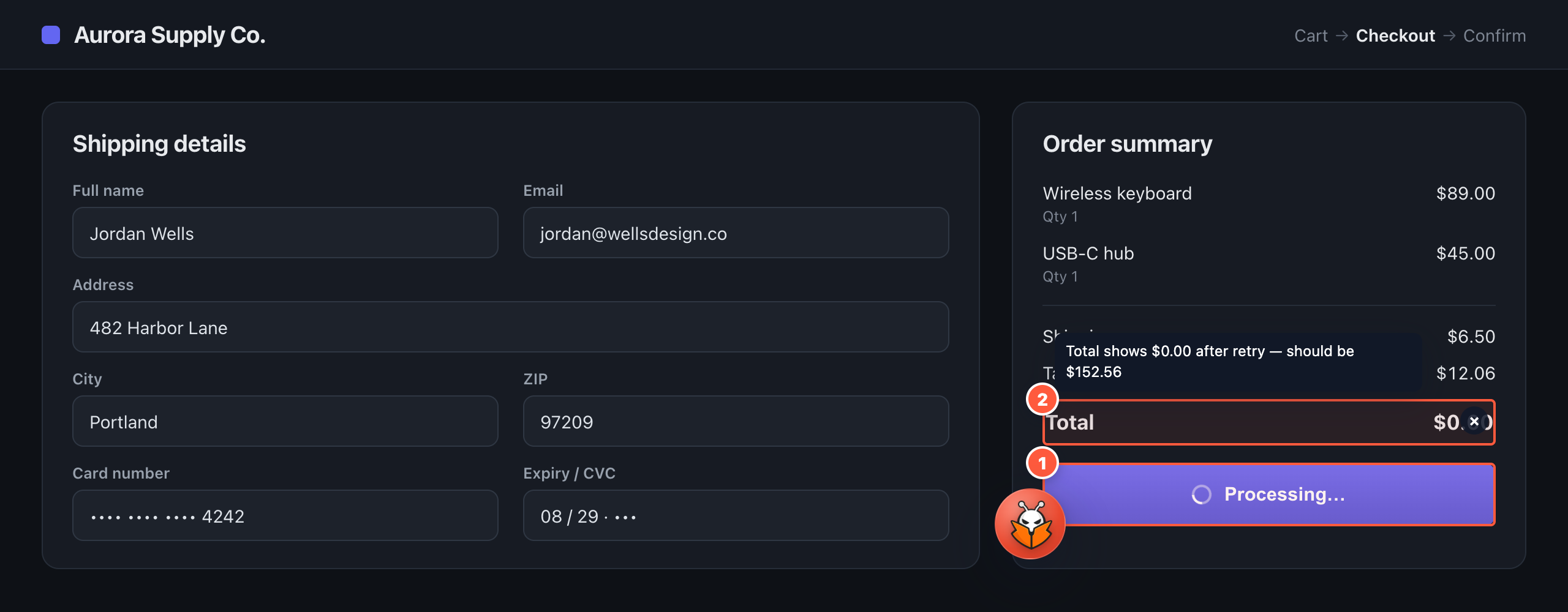
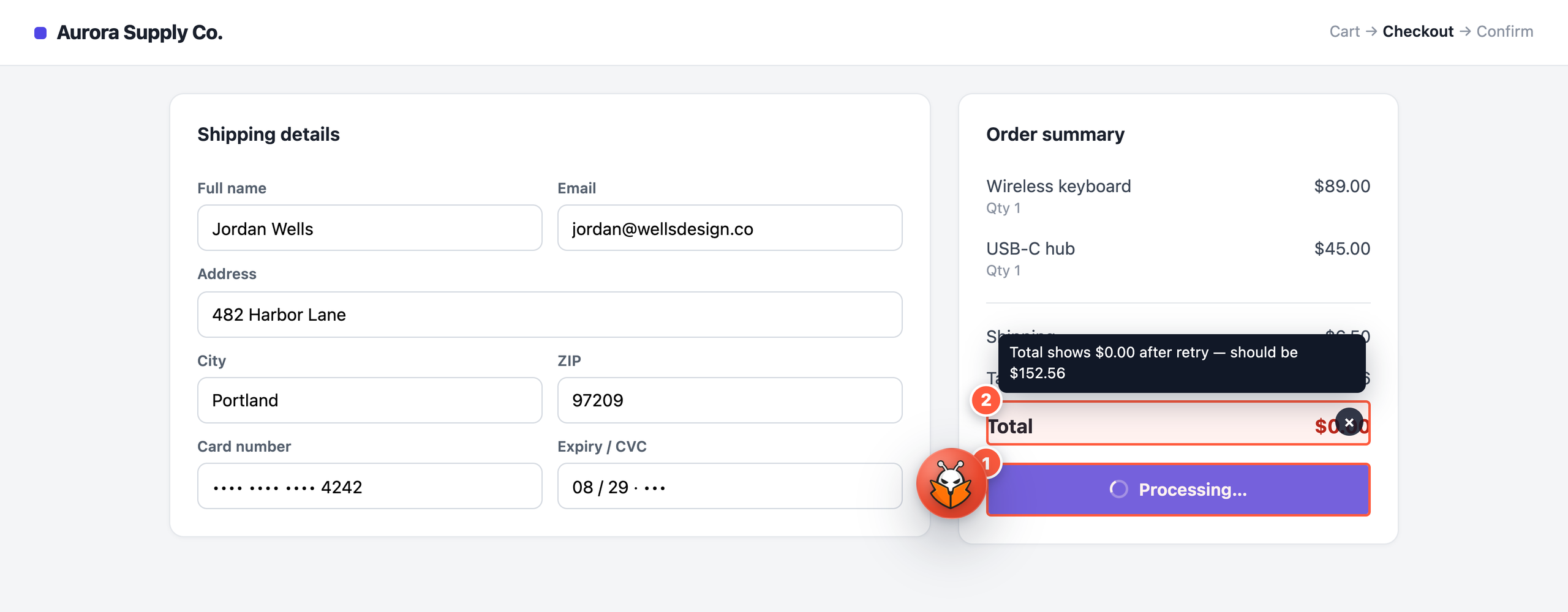
Point. Mark. Explain.
Draw right on the capture. Circle what broke, note what should have happened — your agent sees exactly what you saw, not a paragraph describing it.
Private by default
Diagnostics are optional and off by default. Review every attachment and strip anything out before it's submitted — nothing is captured without you.
One paste from a fix
Visual proof, repro steps, environment, and your notes — packaged into a GitHub issue or a ready-to-paste prompt. Point your agent at it and let it work.
One-click handoff to the tools you already use.
Why BugSnitch
Simple pricing
For trying the workflow.
For independent developers.
Own it. No renewals, ever.
Founding prices are available to the first 50 unique paid customers. The counter updates after successful payment — founders keep their price for life.
Questions
You can — and then it asks for the console errors, the browser version, and how to reproduce it. BugSnitch attaches all of that in the same click as the capture, so the agent starts on the fix instead of the questions.
The output is a standard GitHub issue plus a structured prompt any agent can read. One-click handoff supports Claude Code, Cursor, Codex, Zed, VS Code, and Antigravity.
Every GitHub issue you create through BugSnitch counts toward your 30 per month. The counter resets each month and no card is required. Issues you file directly in GitHub don't count.
Only what you choose to submit. Diagnostics are off by default, and you can review and remove individual items before anything is sent. See the privacy policy for details.
The local workflow forever — capture, annotation, GitHub issues — with 12 months of updates included and an optional update pass later.
Prices increase for new customers. Founders keep their renewal price for as long as they stay subscribed.
One capture. A complete issue. An agent that already knows where to look.